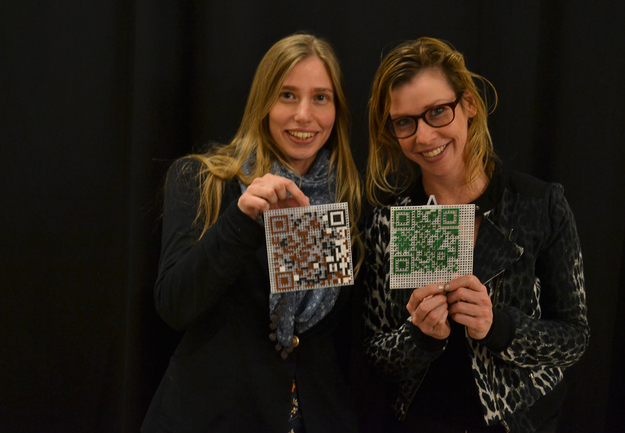
What?
QR Code — abbreviated from Quick Response Code — is the trademark for a type of matrix barcode (or two-dimensional code) first designed for the automotive industry. More recently, the system has become popular outside of the industry due to its fast readability and large storage capacity compared to standard UPC barcodes. Ministeck was invented by Helmut Gottwald in 1965. In the late 1990s it became an independent firm in Germany. If you read German, check out the German wikipedia page about Ministeck.
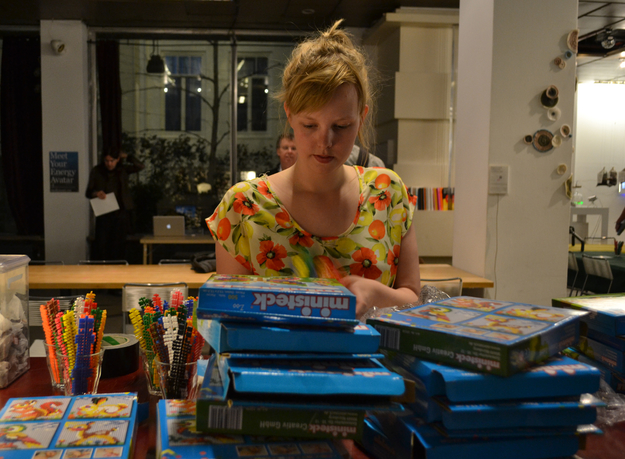
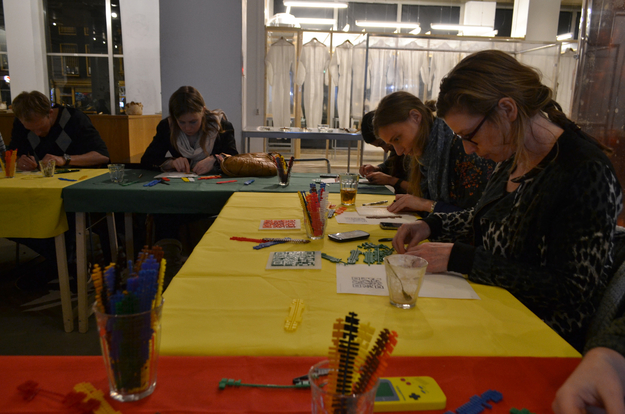
How?
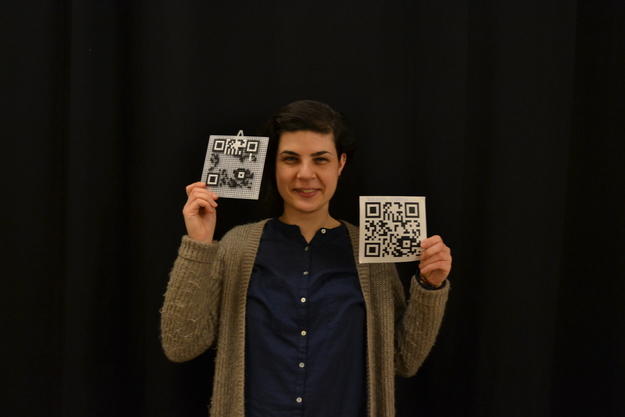
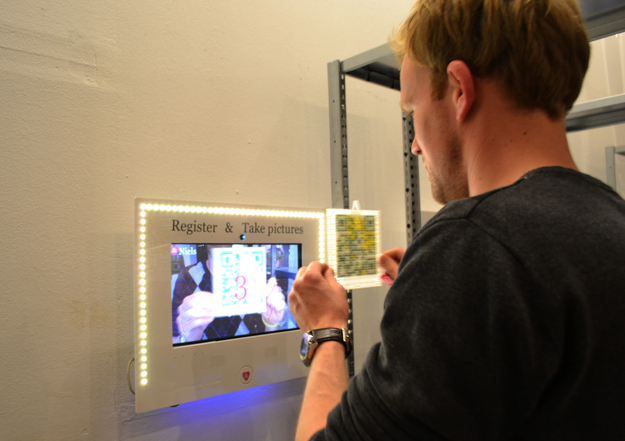
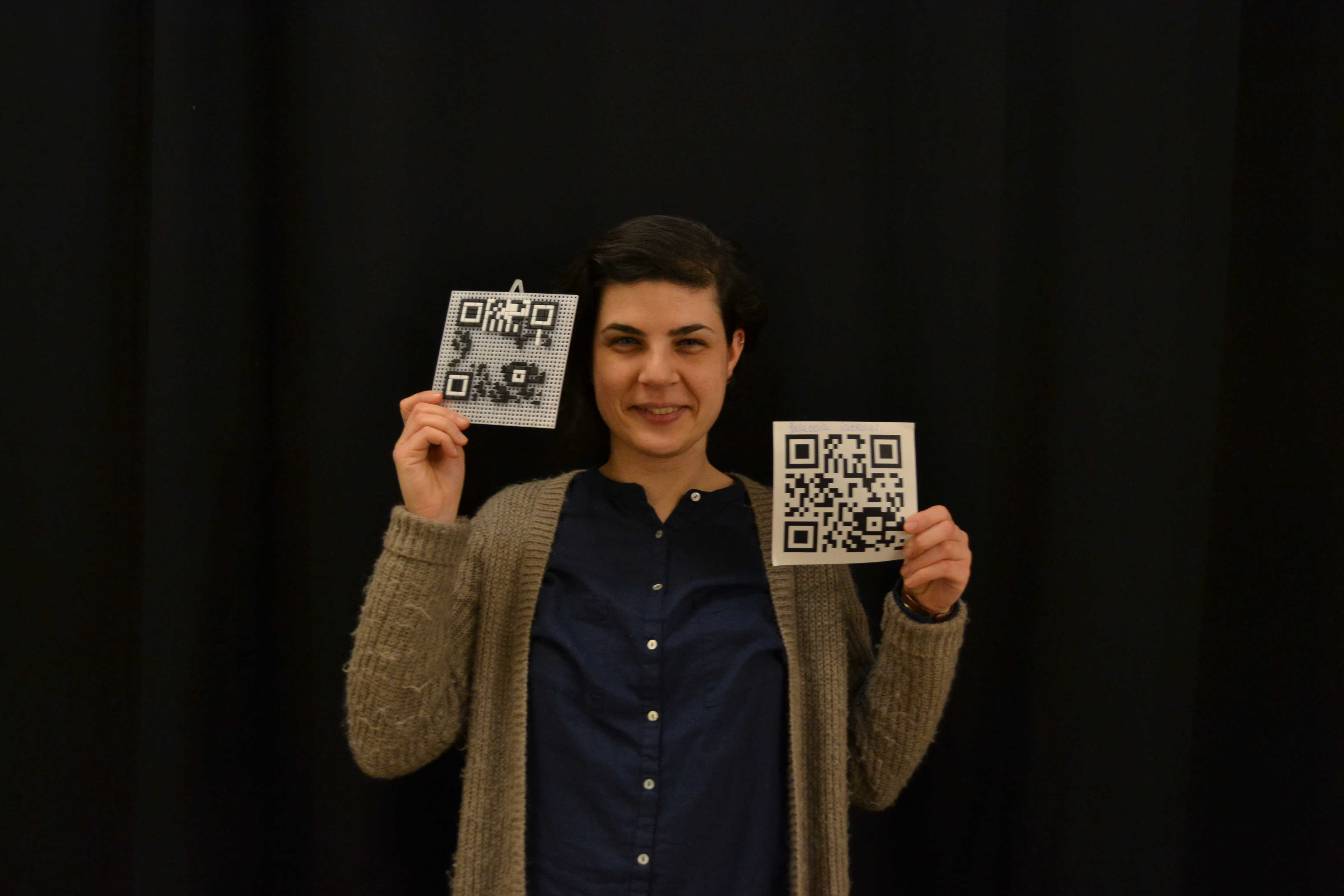
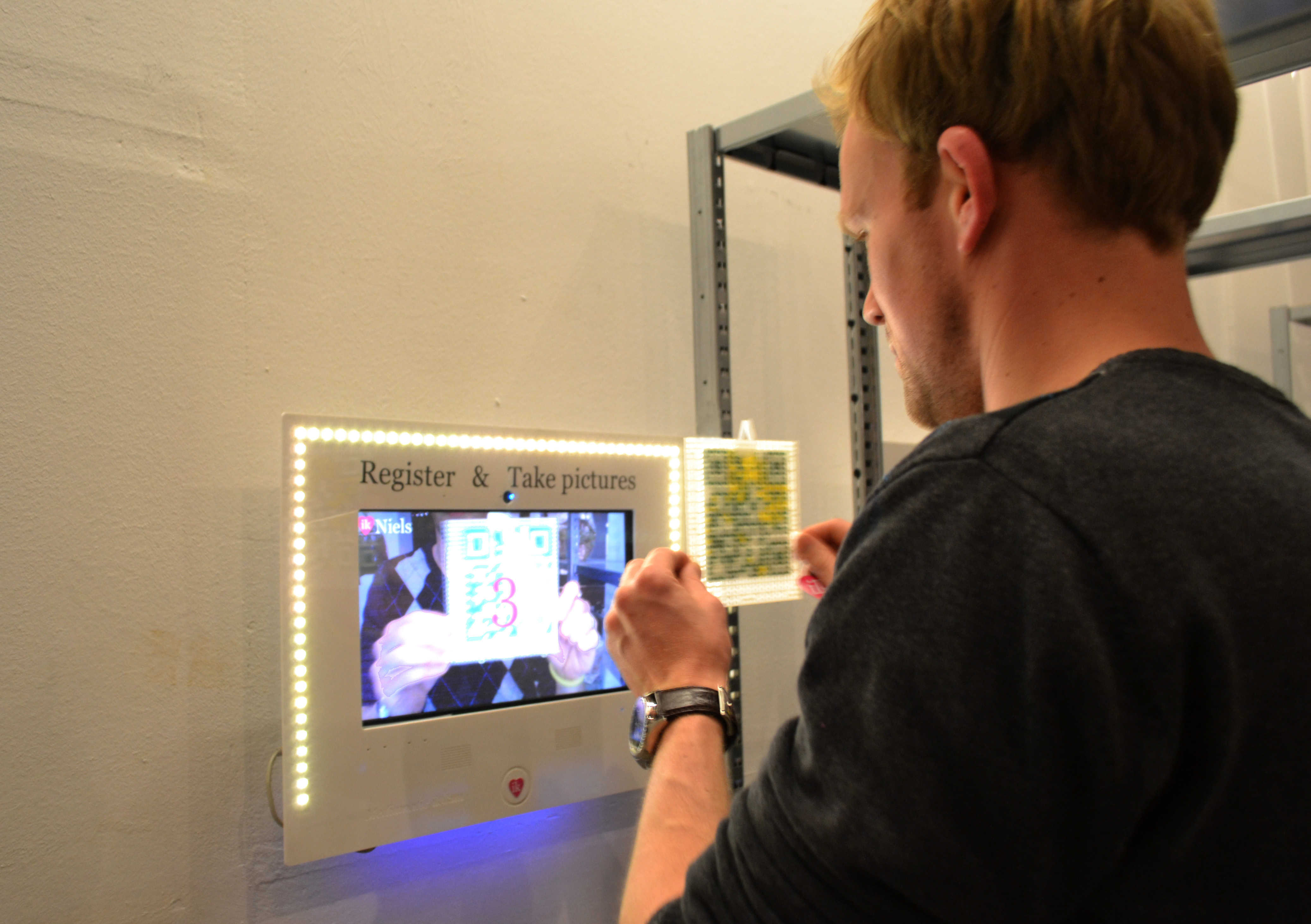
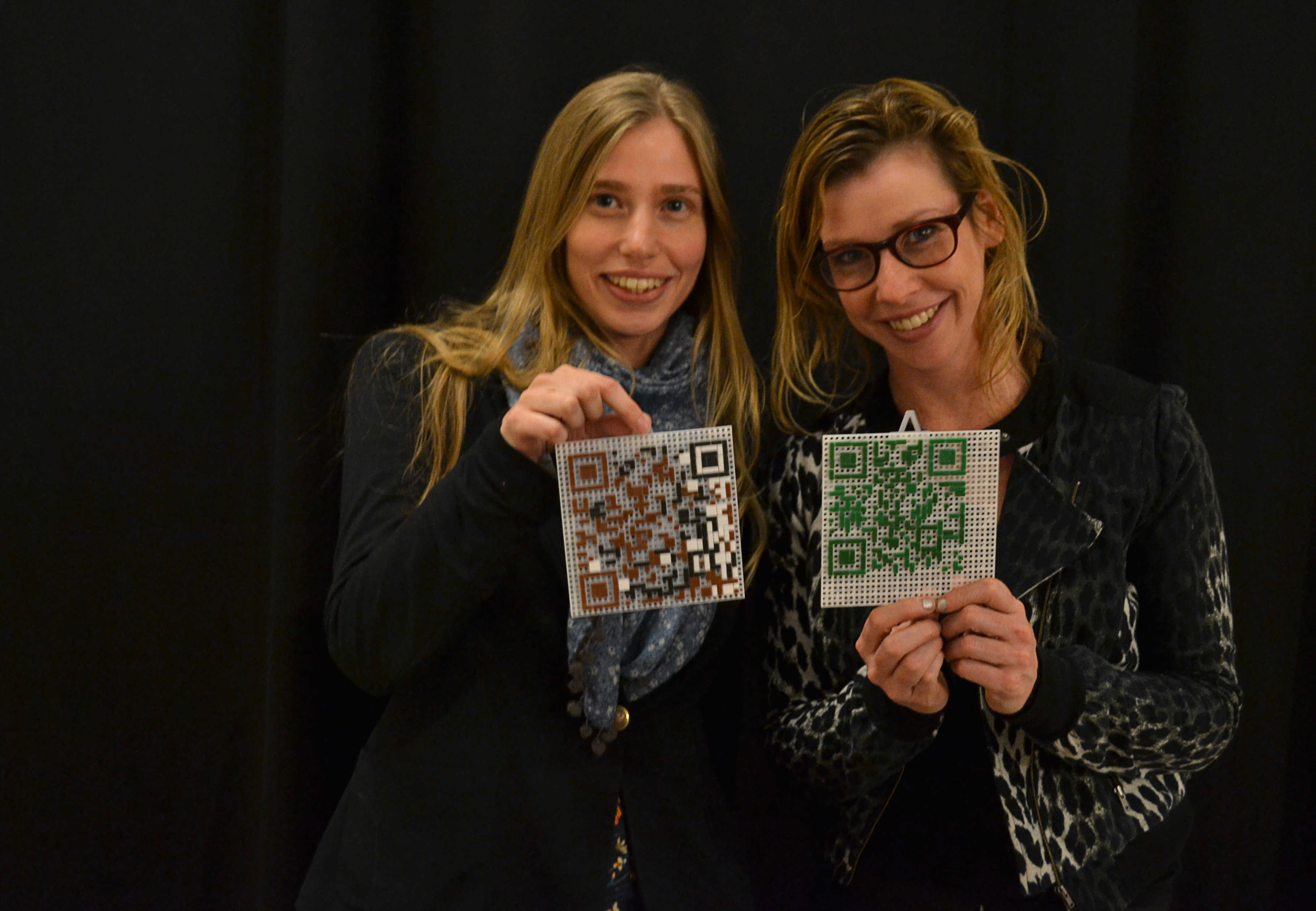
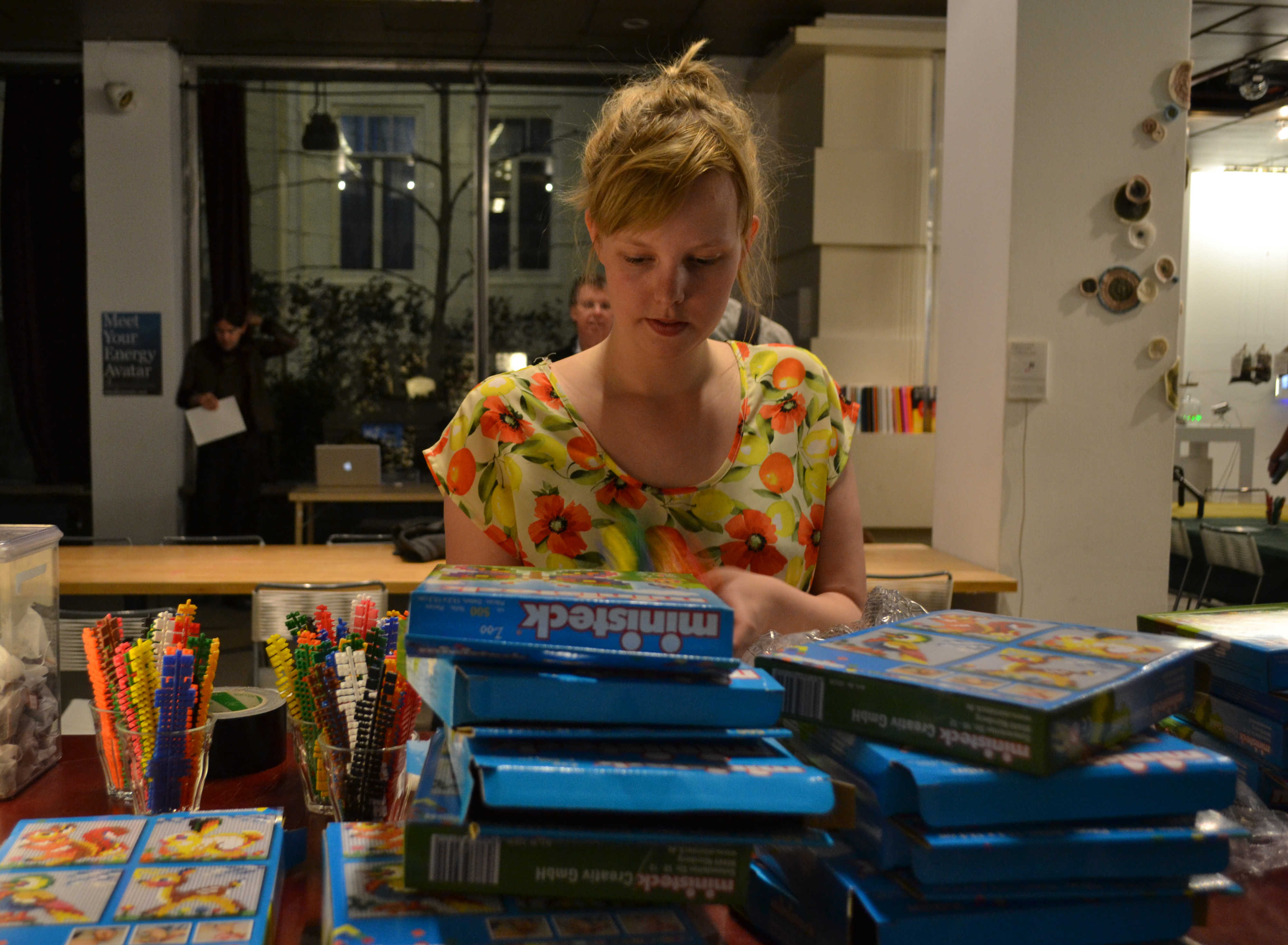
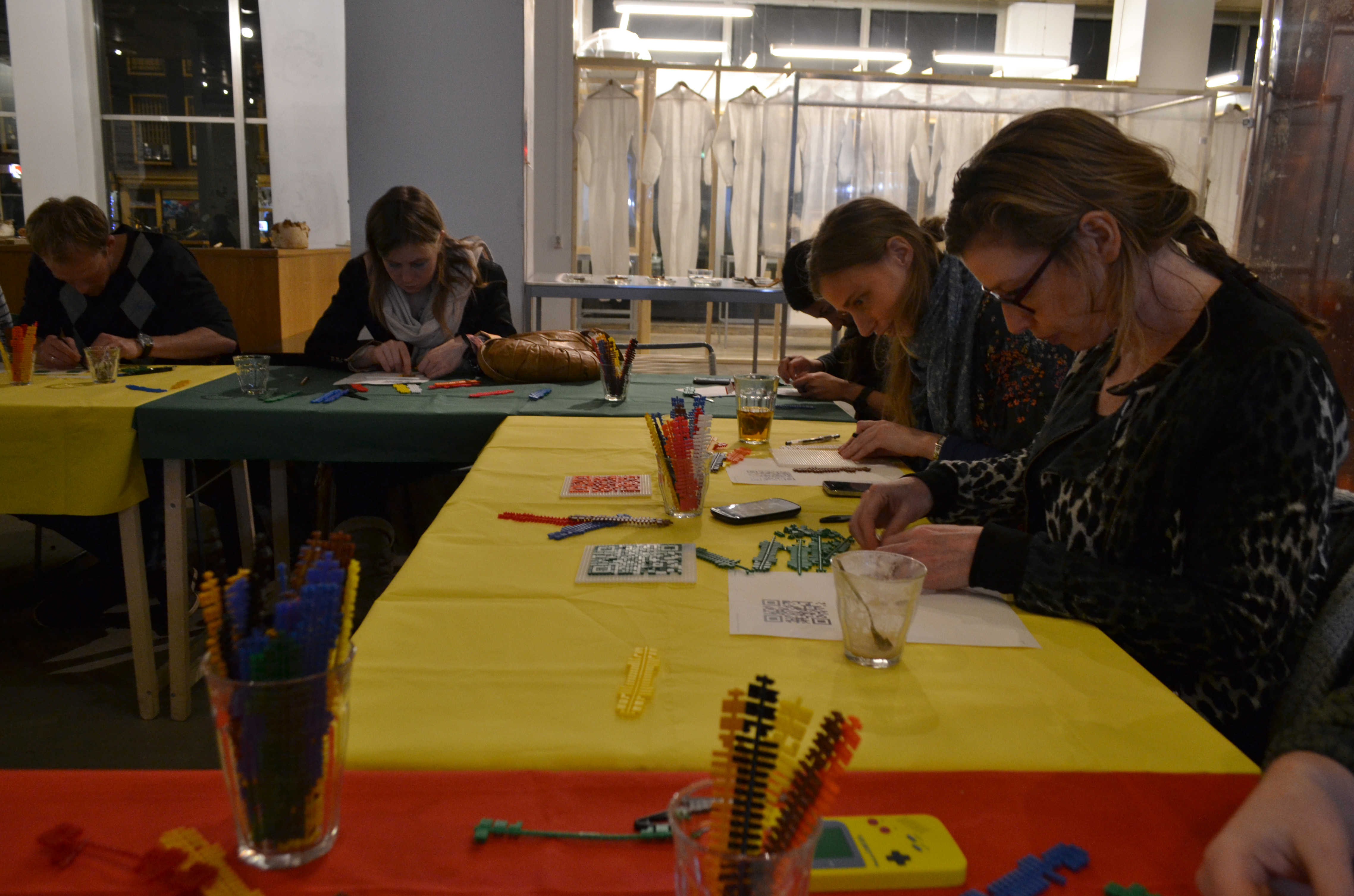
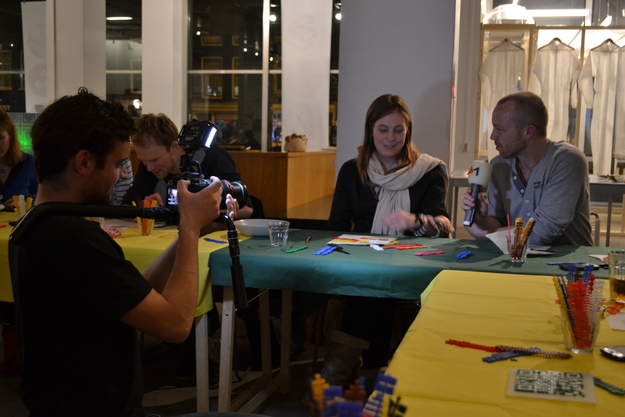
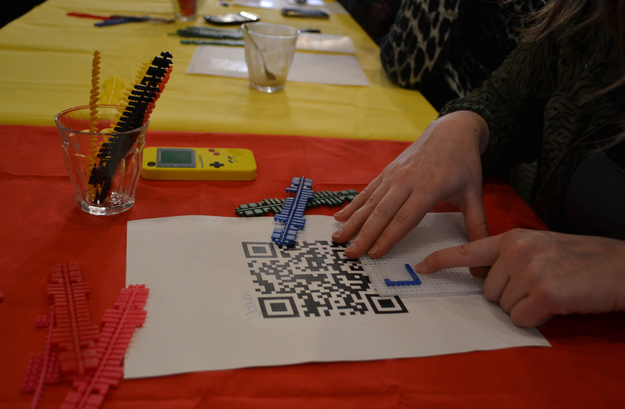
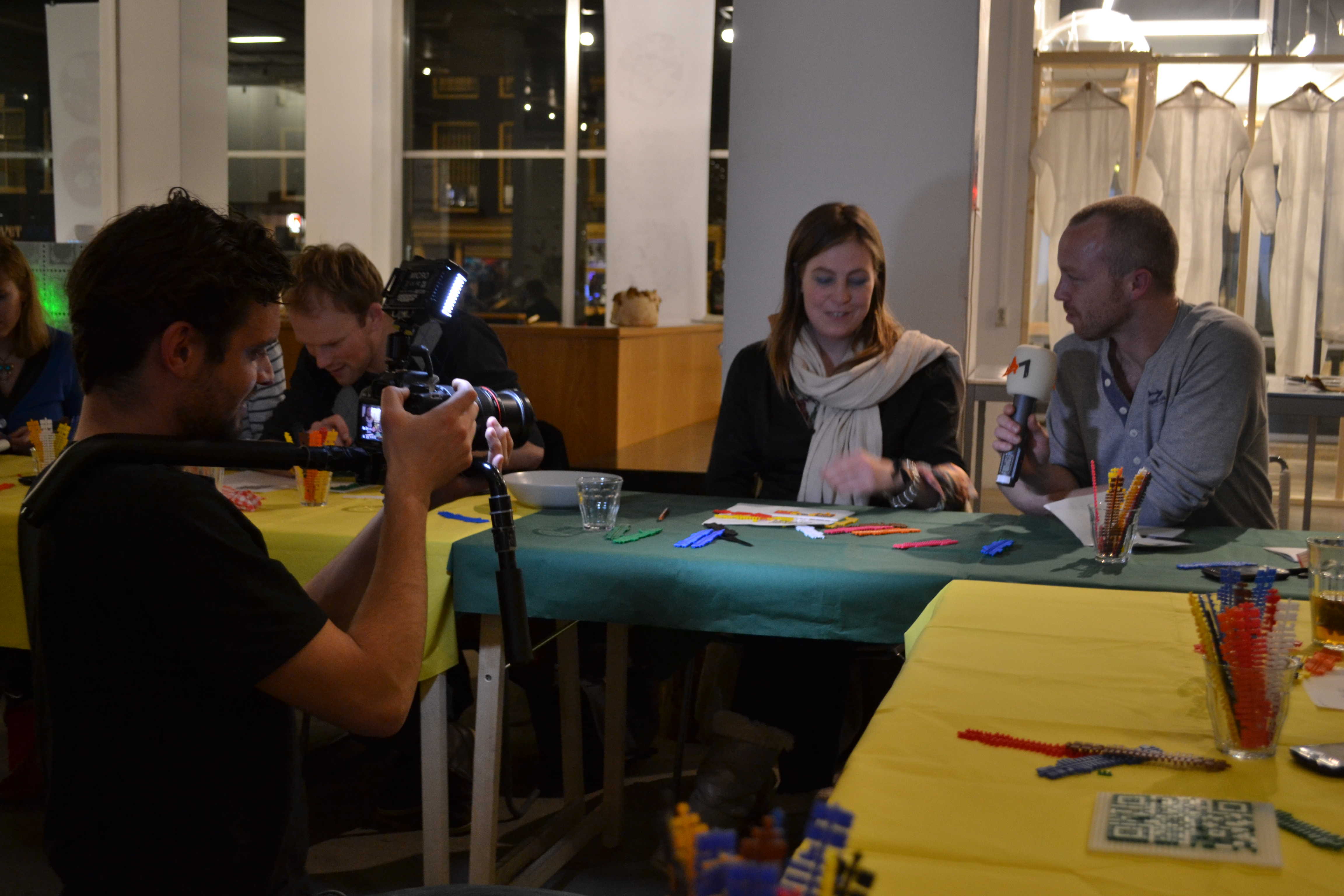
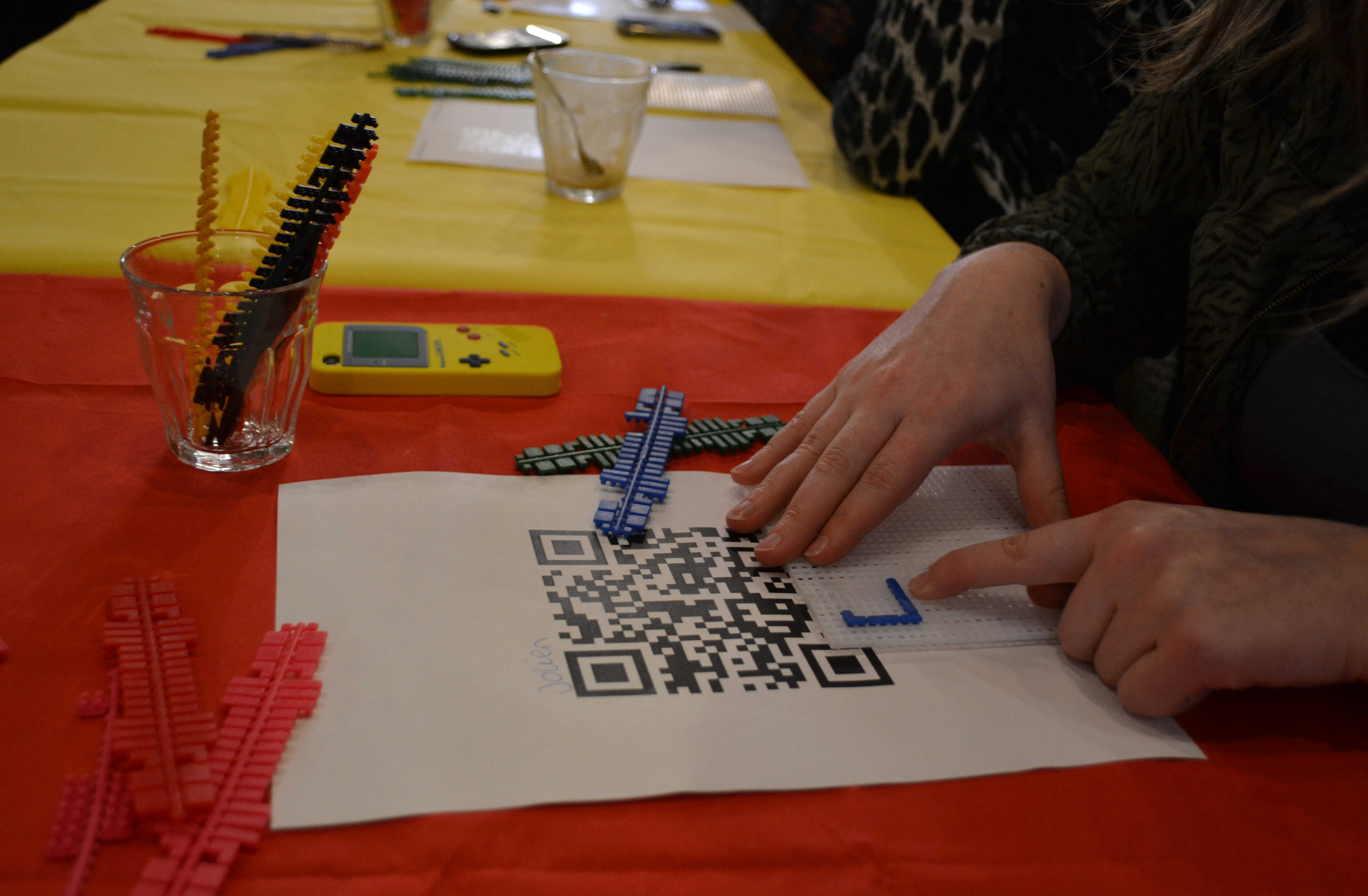
In this workshop you will make digital readable codes with the campy analogue material mini-steck. It's easy and fun! We start with a short introduction about QR-codes. Why were they made, how do they work and what is the future of these new tracking and informative codes? After that we will generate our own QR-codes and make them with the little mini-steck pieces. Then you'll be ready to test if your code is readable with your smart phone.
Information
The workshop takes place on Thursday evening from 19.30 till 21.30 in Mediamatic Bank, Vijzelstraat 68, Amsterdam. Participation costs € 15 inc. VAT. Please click on 'buy a ticket' at the top of this page to proceed. Of course you can take your hand-made mini-steck QR-code home so you can continue making new ones whenever you want! If you have questions please mail Deborah Meibergen.
Janneke showt het resultaat - QR-code Ministeck Workshop.